EN

🇬🇧 English

Facebook ad comments

Facebook ad comments

Hide comments on your Facebook ads

Hide comments on your Facebook ads

Hide comments on your Facebook ads

You can’t switch comments off on most Facebook ads, but you can hide them. By hand, it’s one ad at a time in Ads Manager. With Blabla’s Pro plan, spam, scams and insults are hidden as soon as they land, dark posts included, and real questions stay visible.

Try for free

Try for free

7-day free trial

No credit card required

B
yourbrand
Sponsored
f
IG
New sneakers, -20% this week
J
JulieQuestion
Do you deliver to Belgium?
P
promo_kingHidden · Scam link
🎁 Free iPhone! Claim it → bit.ly/fr33
E
earn.dailyHidden · Spam
Earn €500 a day from home, DM me
N
Noah
Love them! Available in white?
Rules on your ads
Hide scam links
Hide spam and fake giveaways
Hide insults
Keep questions visible
Hidden on this ad
2

Why ad comments need their own routine

Why ad comments need their own routine

Why ad comments need their own routine

There’s no off switch

Anyone who can see your ad can usually comment on it. You can’t stop people from commenting, only choose what stays visible.
Dark posts slip through

Ads built without a Page post don’t show in your feed, so their comments can sit unanswered for weeks.

A bad comment costs money

A scam link or a pile of insults under an ad puts off the very people you paid to reach.

x

With Blabla, all negative comments under our ads are automatically hidden. Our feed stays clean, engagement goes up, and our cost per lead has clearly dropped. It’s been a real boost for our campaigns.

With Blabla, all negative comments under our ads are automatically hidden. Our feed stays clean, engagement goes up, and our cost per lead has clearly dropped. It’s been a real boost for our campaigns.

Yohann Bensmihen

Yohann Bensmihen

Yohann Bensmihen

Founder @Coben Dubai

What changes when Blabla takes over

What changes when Blabla takes over

What changes when Blabla takes over

Hide rather than delete

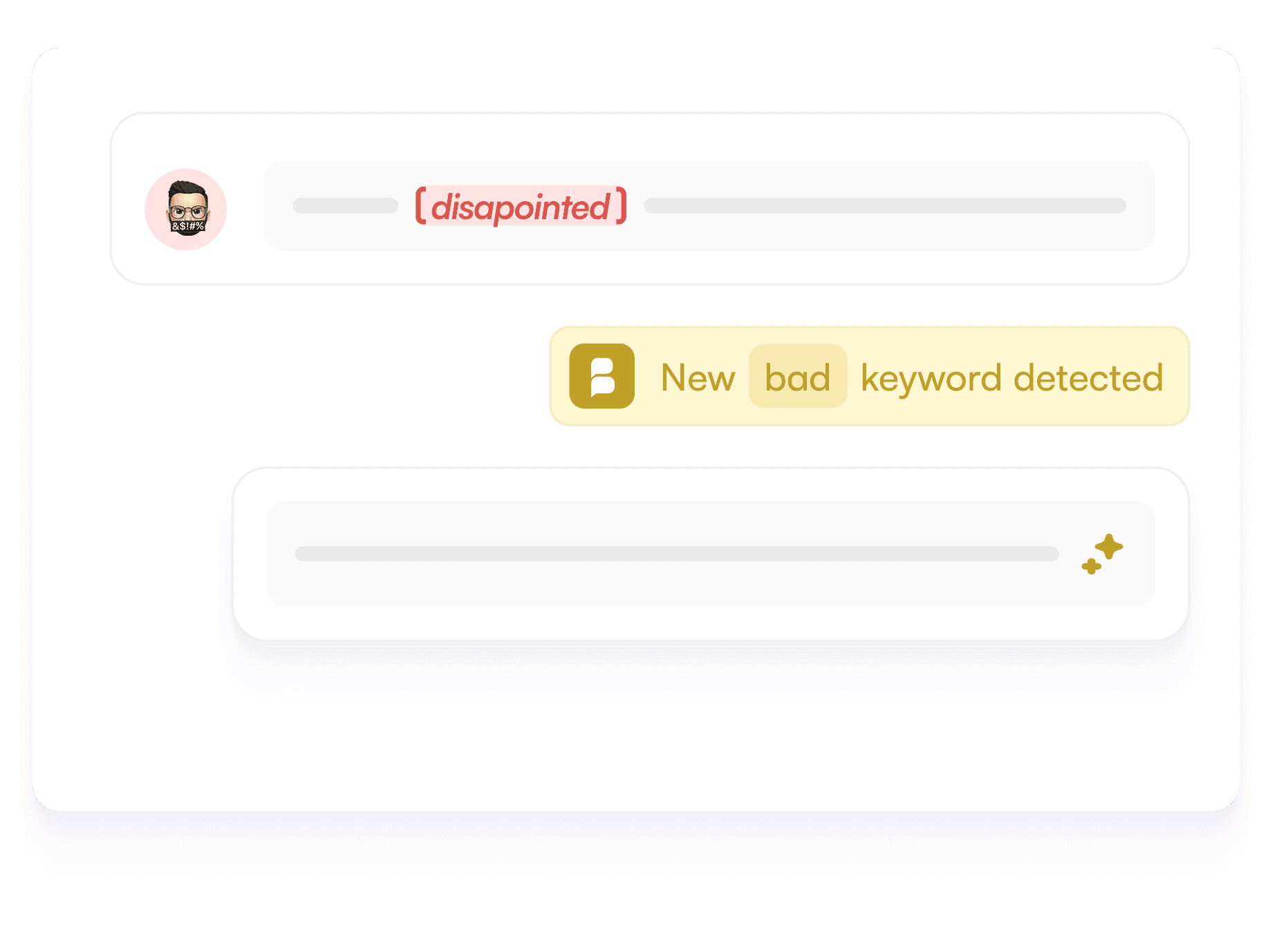
A hidden comment stays visible to its author and their friends, so they rarely notice. You can show it again in one click.
Rules that read context

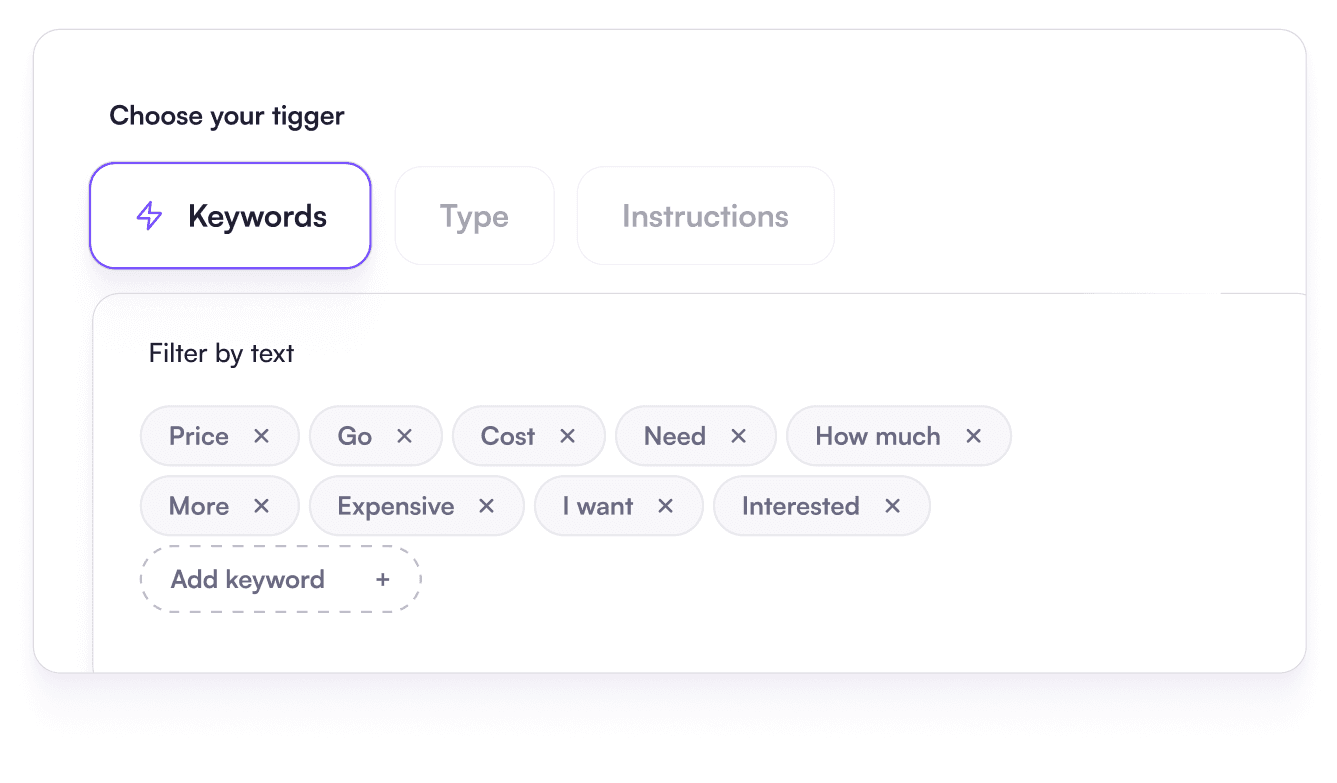
Keyword lists for the obvious cases, AI rules written as a sentence for the rest, like fake giveaways that use no banned word.
Questions stay up

Buyers asking about sizes, delivery or price stay visible, so your team or the AI can answer them.
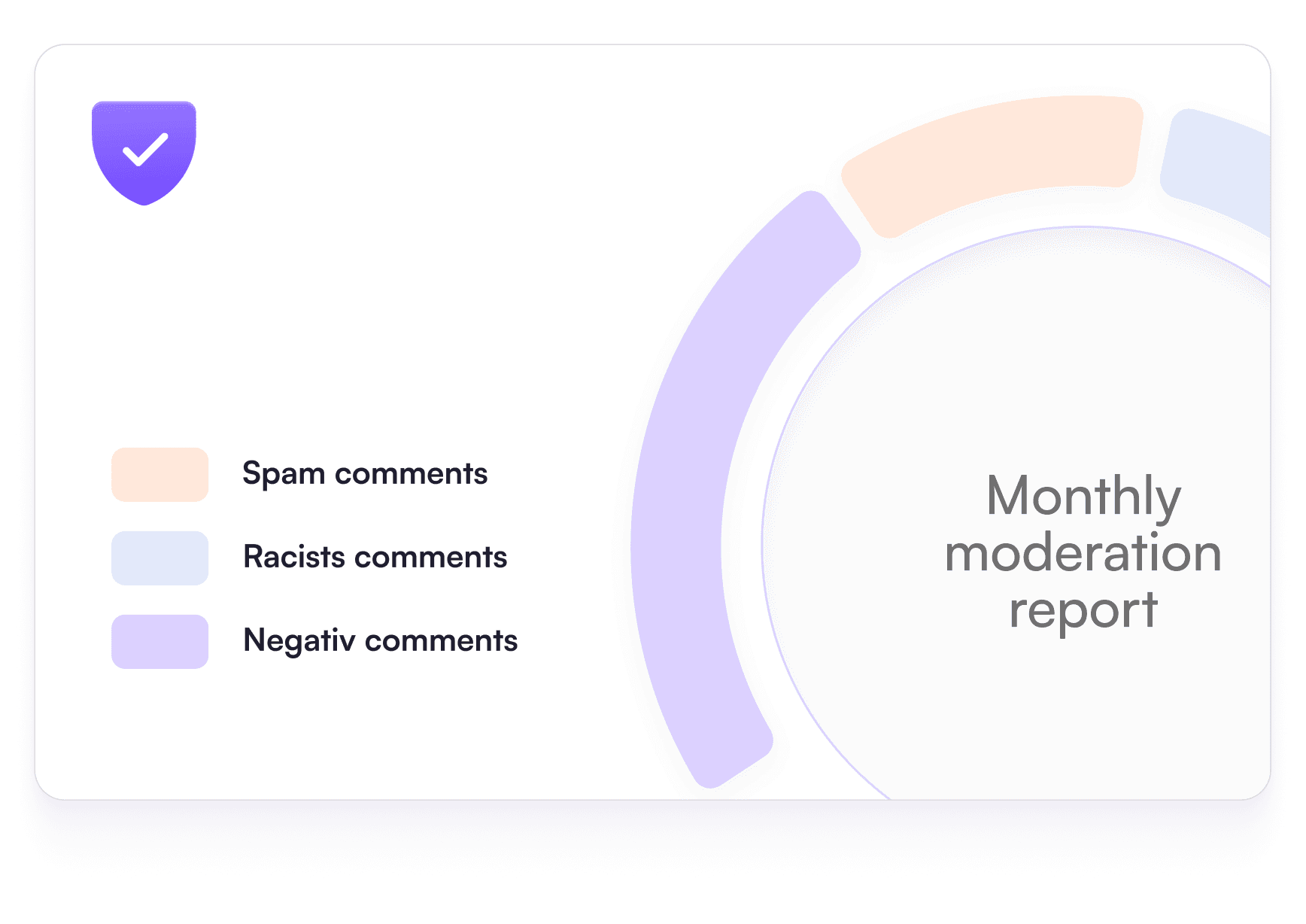
A report every month

How many comments were hidden, on which ads, and why.

How to hide comments on a Facebook ad

How to hide comments on a Facebook ad

How to hide comments on a Facebook ad

By hand, in Ads Manager

By hand, in Ads Manager

By hand, in Ads Manager

Open Ads Manager and select the ad.

In the preview, open “Facebook post with comments”.

Click ··· next to each comment, then “Hide comment”.

⏱ By hand: one comment at a time
1
Open Ads Manager and select the ad
2
Open the preview, then “Facebook post with comments”
3
Find the comment and open the ··· menu
4
Click “Hide comment”
P
promo_king
🎁 Free iPhone! Claim it → bit.ly/fr33
Hide comment
Delete
Report comment
Hidden
Dark post #1
Not in your Page feed
💬 14
Dark post #2
Not in your Page feed
💬 6
Dark post #3
Not in your Page feed
💬 9
All ad comments, one inbox
J
Comment on ad #1
Dark post
N
Comment on ad #2
Dark post
S
Comment on ad #3
Dark post
L
Comment on ad #1
Dark post

Don’t forget dark posts

Don’t forget dark posts

Don’t forget dark posts

Dark posts never show in your Page feed.

You have to open them one by one, from each ad’s preview.

With Blabla, they land in the same inbox as your other ads.

Automatically, with Blabla

Automatically, with Blabla

Automatically, with Blabla

Connect Facebook and Instagram with Meta’s login.

Turn on a ready-made rule or write your own in one sentence.

Apply it to ads, organic posts, or both.

New rule, written as a sentence
Hide comments that sell followers, share a suspicious link or insult someone.
Apply toAdsPosts
G
@grow.fast
cheap f0llowers 👉 dm me
Hide
C
Camille
Does the size run small?
Keep

By hand or automatic: the comparison

By hand or automatic: the comparison

By hand or automatic: the comparison

Hiding comments by hand works with one or two ads. Past that, it turns into a daily chore that stops at night and on weekends.

Hiding comments by hand works with one or two ads. Past that, it turns into a daily chore that stops at night and on weekends.

By hand in Ads ManagerAutomatic with Blabla (Pro)
Where you read commentsOne ad at a time, through the post previewEvery ad and post in one inbox
Dark postsOnly through each ad’s previewIncluded with your other ads
When it happensWhen someone has time to checkAs soon as the comment arrives, nights and weekends too
RulesYou decide each timeKeyword rules and AI rules written as a sentence
UndoUnhide comments one by oneHidden comments stay in the inbox, one click to show them
CostFree, paid in team time99 €/month, or 69 €/month billed yearly

Hiding Facebook ad comments: your questions

Can you turn off comments on a Facebook ad?

For most ads, no: Facebook has no switch to turn comments off. You can hide or delete comments, filter words, or let a tool like Blabla hide unwanted comments as they arrive.

How do I hide a comment on a Facebook ad?

In Ads Manager, select the ad, open its preview and choose “Facebook post with comments”. Click ··· next to the comment and pick “Hide comment”. It stays visible to its author and their friends.

Should I hide or delete comments on my ads?

Hide in most cases: spam, scams and insults disappear for everyone else, and the author rarely notices. Delete when the content is illegal or shares personal data. Keep genuine complaints visible and answer them.

How do I find comments on dark posts?

Dark posts don’t appear in your Page feed. Open each ad’s preview in Ads Manager to read them, or connect your account to Blabla, which brings ad comments, dark posts included, into one inbox.

Which Blabla plan hides comments on ads?

Moderation of comments under ads and dark posts is part of the Pro plan: 99 € a month, or 69 € a month billed yearly, excluding VAT. You can try it free for 7 days, no card needed.

Get started in 3 simple steps

Get started in 3 simple steps

Get started in 3 simple steps

1

2

3

Sign up for free

Connect your social account, add your customer-service information and choose which replies your team should review.

1

Sign up for free

Start a trial, connect your account and review your first replies before enabling automation.

2

Connect your socials

Link all your social accounts in seconds and bring them together in one place for unified access.

3

Set up your workspace

Go live fast and watch Blabla handle comments, DMs, and Ads replies while you focus on scaling your business.

No credit card required