Moderate comments on your Facebook and Instagram ads, automatically
Blabla reads every comment on your ads through the official API and hides spam, scams and abuse in real time, so prospects see your offer, not a scam link.

There is no off switch for most advertisers
Meta’s help center says anyone who can see your Facebook or Instagram ad can comment on it.

Dark posts hide the problem
Ads never published on your Page stay out of its feed, so their comments only show up ad by ad in Ads Manager.

Every bad reply rides on your budget
A scam link or a fake giveaway under your ad is shown to every person you pay to reach, right next to your call to action.

Founder @Coben Dubai
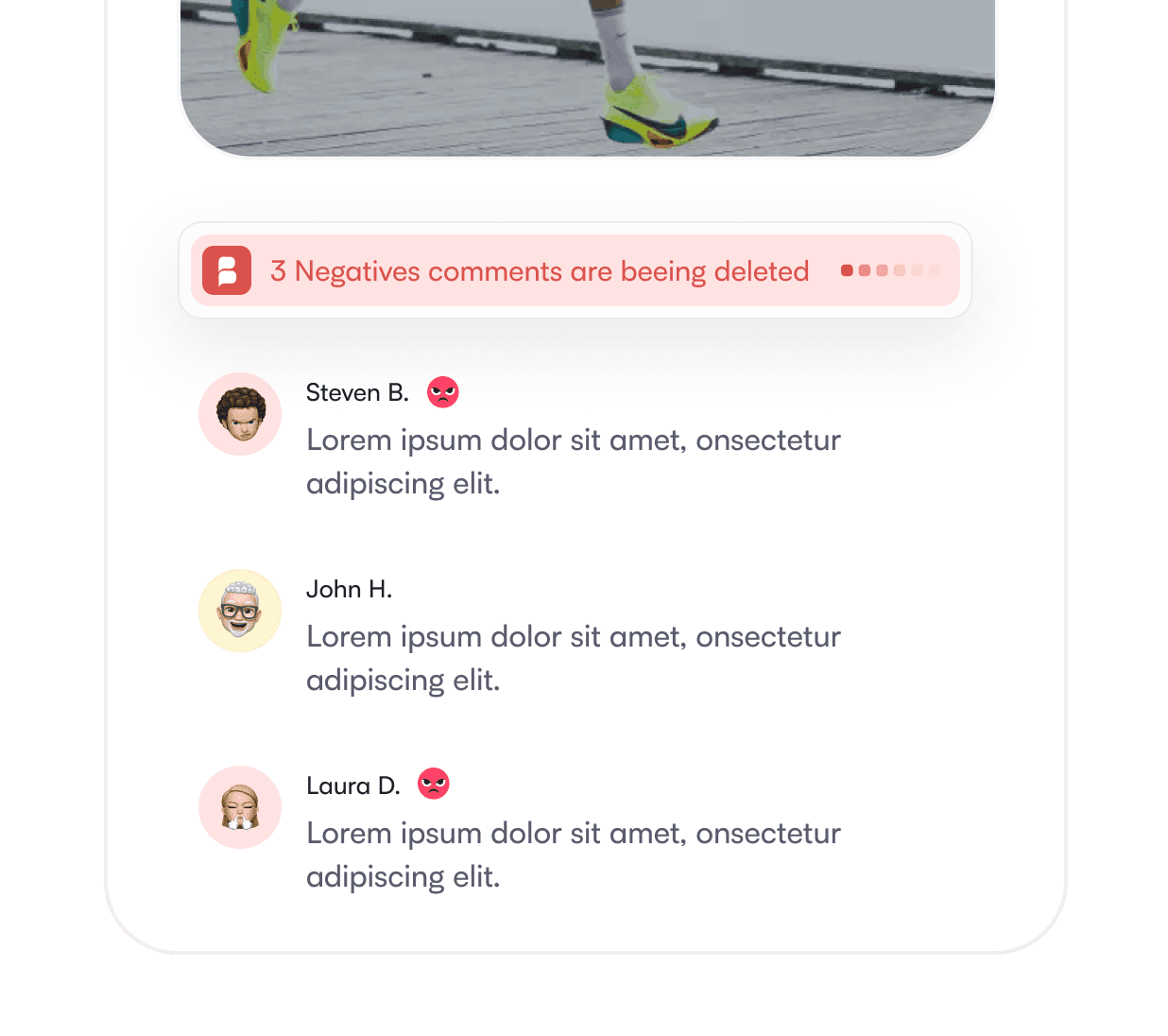
Hide instead of delete
On Facebook, a hidden comment stays visible to its author and their friends and disappears for everyone else. Meta notes this helps prevent more unwanted comments: the troll sees nothing to fight about.
AI filters, not only keyword lists
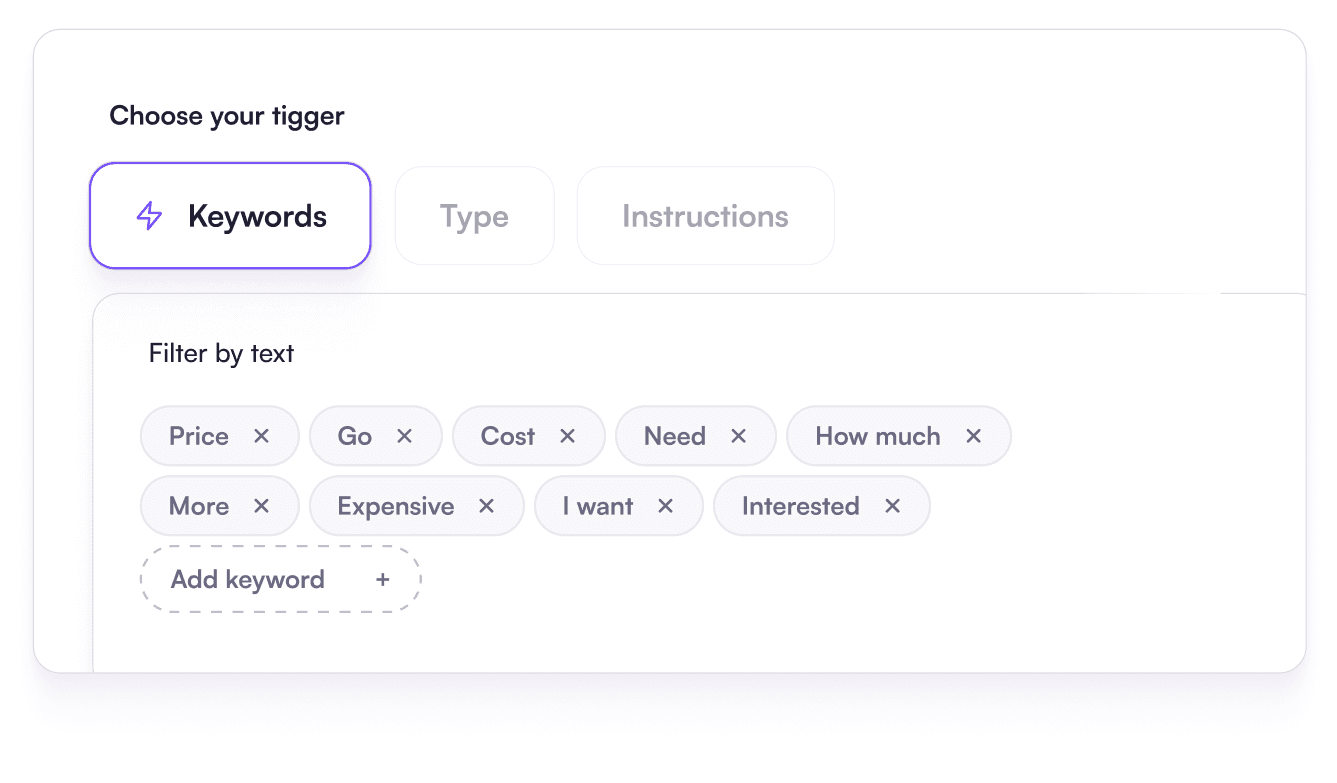
Most harmful comments contain no link and no banned word. Blabla’s AI reads what each comment means, and your keyword rules cover the rest, competitor names included.
Answer the buyers
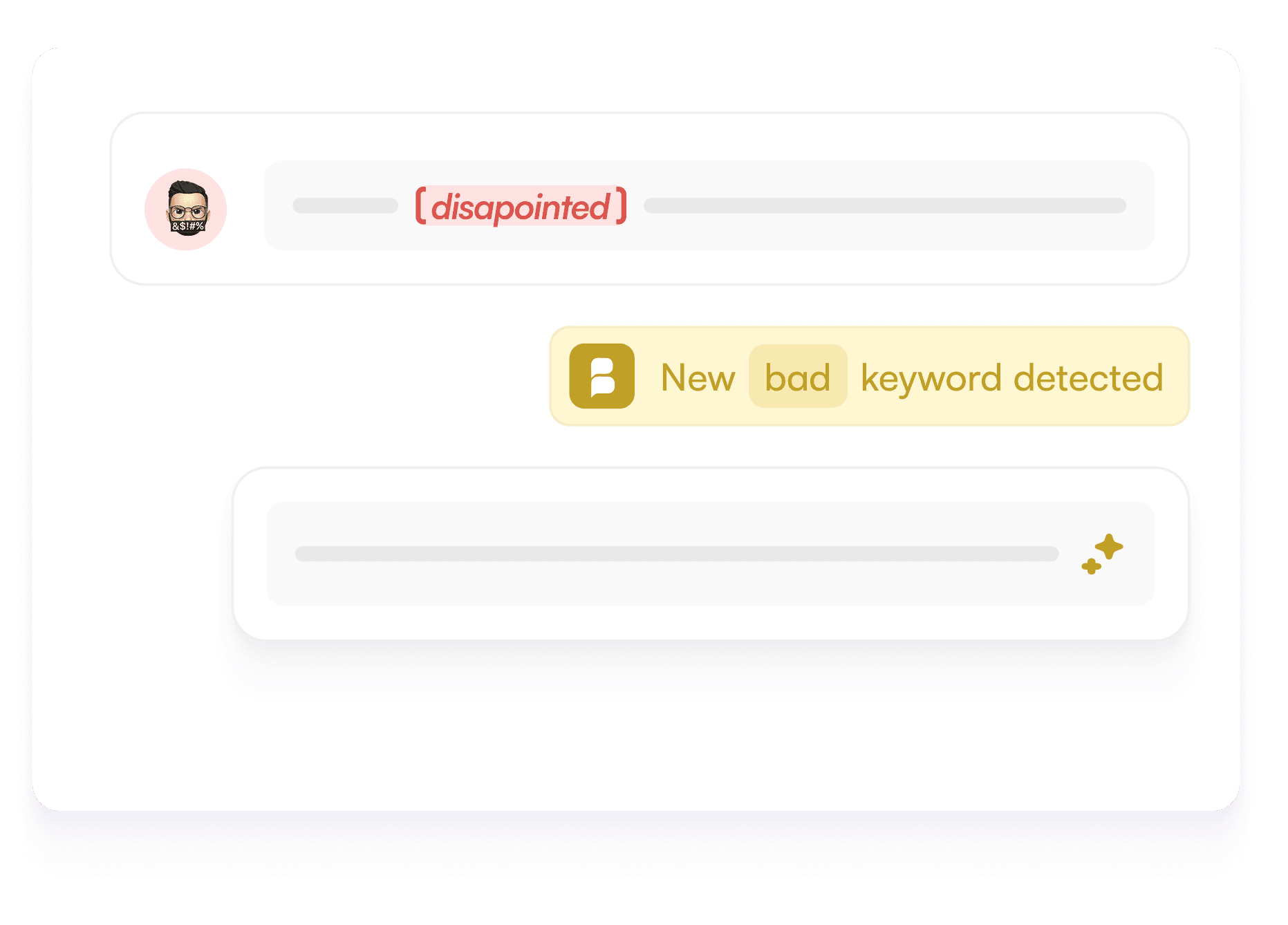
A question under an ad is purchase intent. Reply in your tone from your FAQ, or send the link by private DM when someone comments your keyword.
What brands hide under their ads
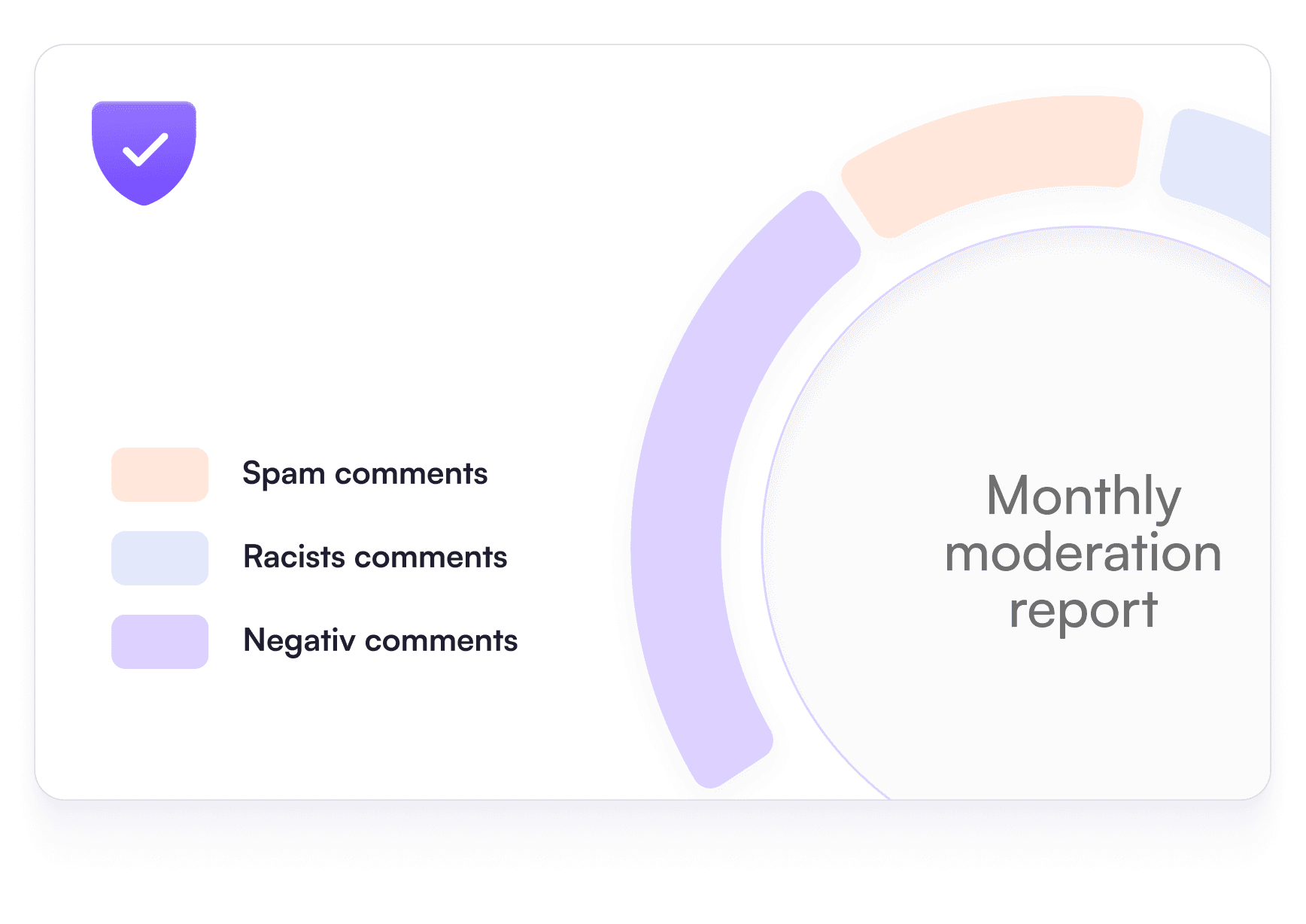
Over half of paying Blabla brands that moderate also hide comments under their ads. About 72% of what they hide is negativity caught by AI, not keyword lists.
Log in with Meta in a few clicks.
Uses Meta’s official API.
Organic, boosted and dark-post comments in one inbox.
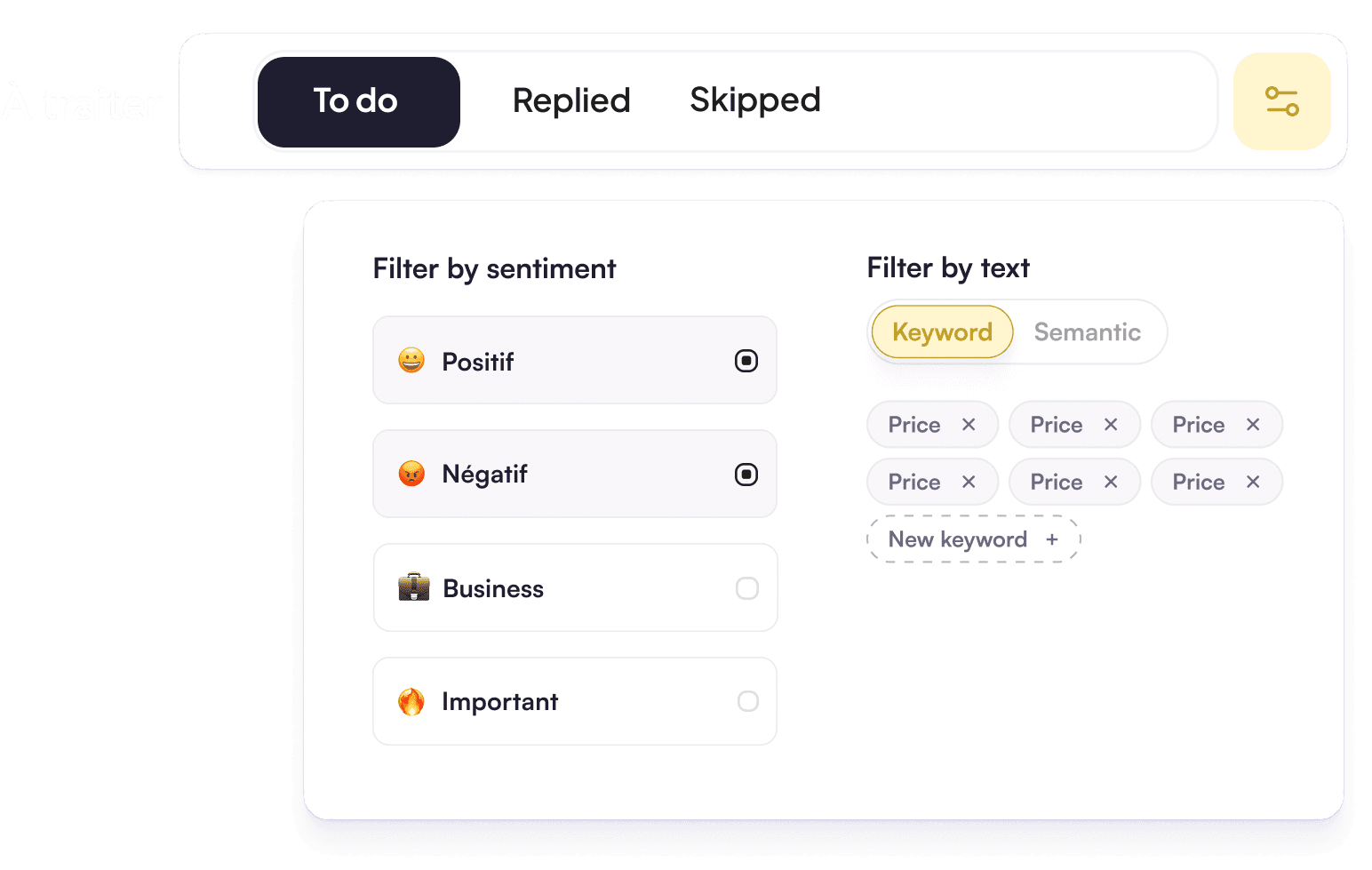

Start from a ready brand-protection rule.
Add competitor names, links and keywords.
Apply each rule to ads, organic posts or both.
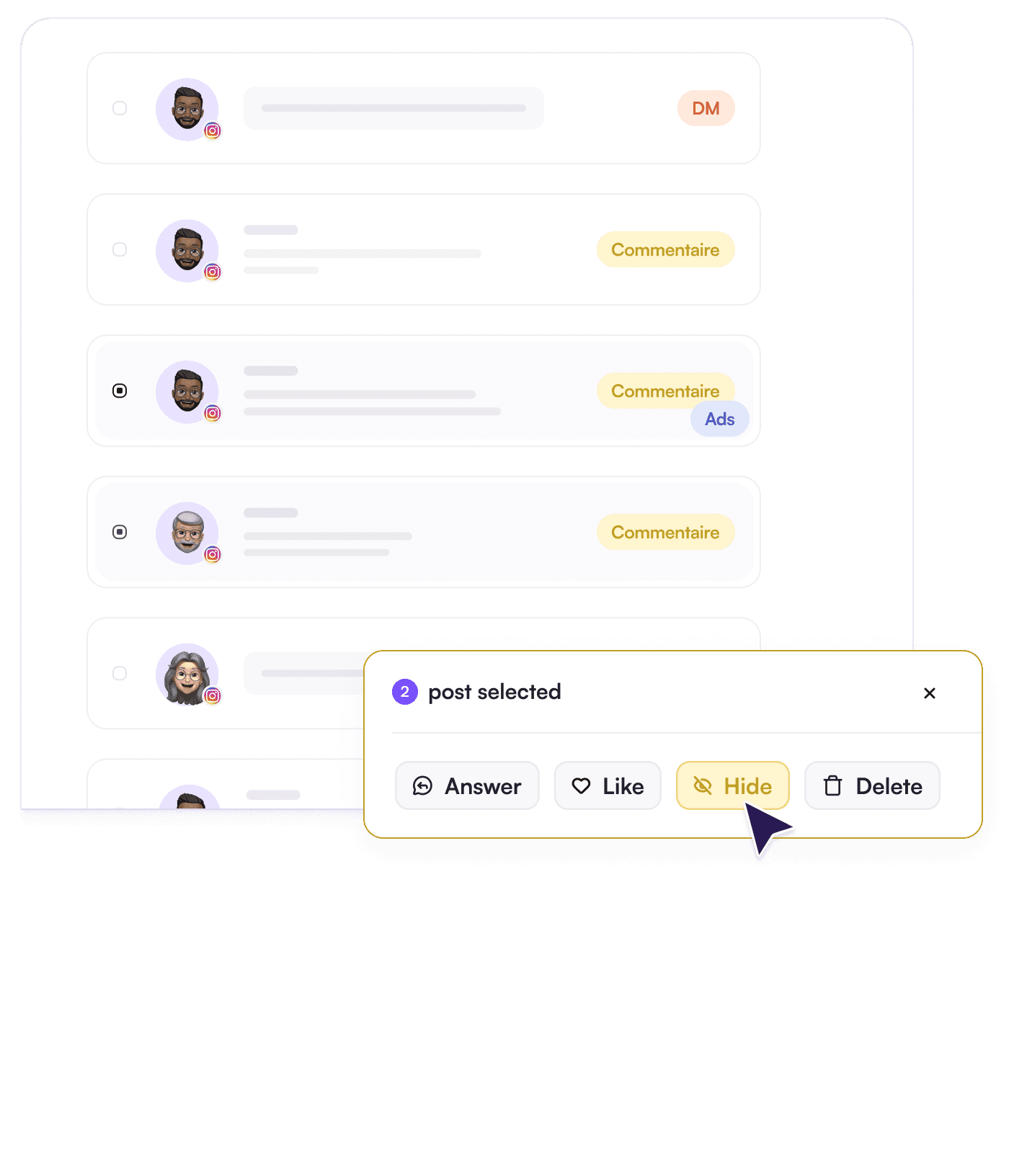
Harmful comments hidden in real time, 24/7.
Filter the inbox on hidden comments.
Show one again if a rule was too strict.
Ad comment moderation: your questions
Can you turn off comments on Facebook ads?
Is it better to hide or delete comments on ads?
Where do dark-post comments show up?
Which plan includes ad comment moderation?
Can I use different rules for ads and organic posts?