To remove a Facebook comment, click ··· next to it and choose Hide or Delete. A hidden comment stays visible to its author and their friends; a deleted one is gone for everyone. You can also limit who comments on a post, or let Blabla hide spam, scams and insults automatically on all your posts and ads.
Hide it
The comment disappears for everyone except its author and their friends. Nobody is notified, and you can undo it.
Delete it
Gone for everyone, for good. Keep it for threats, personal data or illegal content.

Limit who can comment
On a public post, choose who can comment. Handy when a post draws a pile-on.

Founder @Coben Dubai

Hidden as soon as it lands
Blabla hides spam and insults within seconds, nights and weekends included, before your audience sees them.
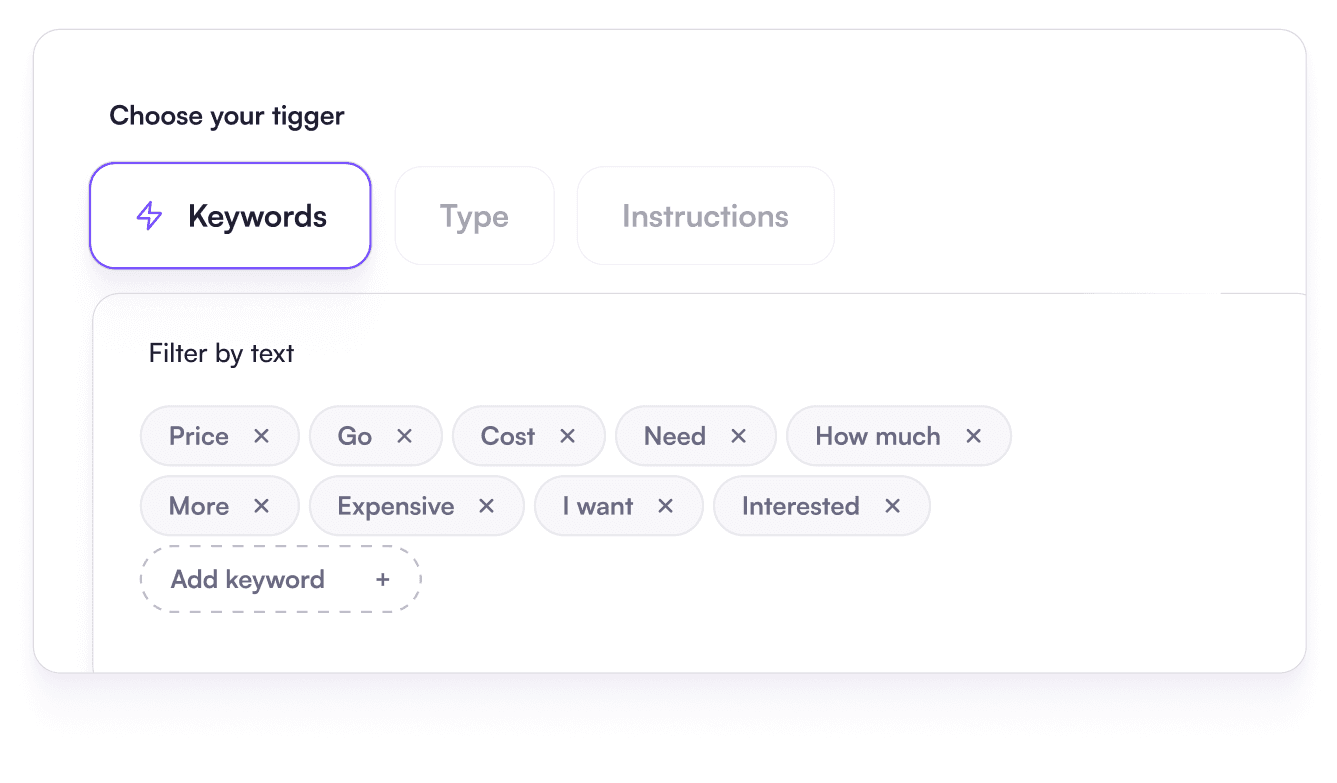
Keyword rules and AI rules
Your own word list, plus rules written as a sentence for comments that contain no banned word.
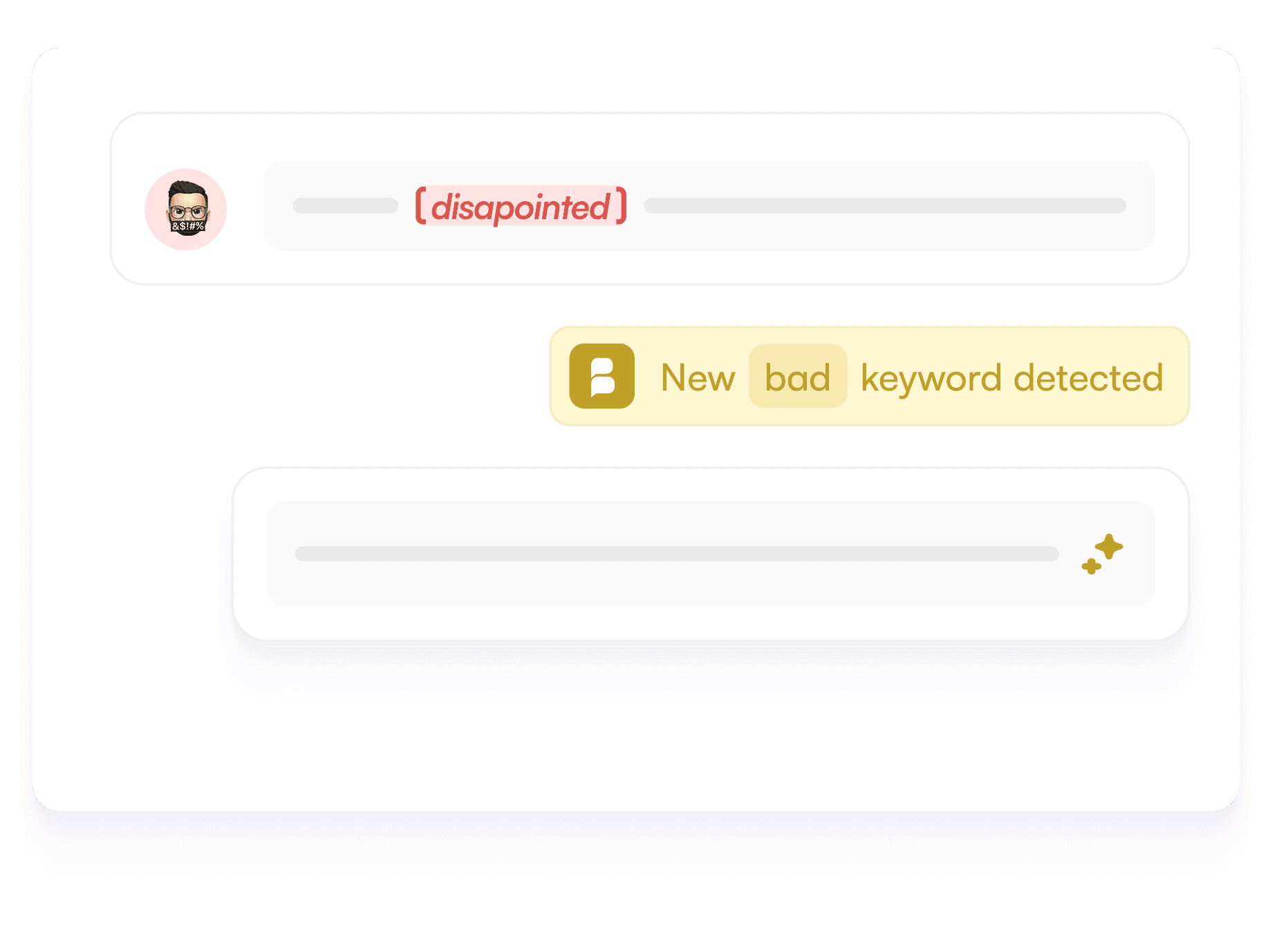
Disguised spellings caught
“Fr33”, “f.r.e.e” or lookalike letters: Blabla cleans up the text before comparing it with your list.
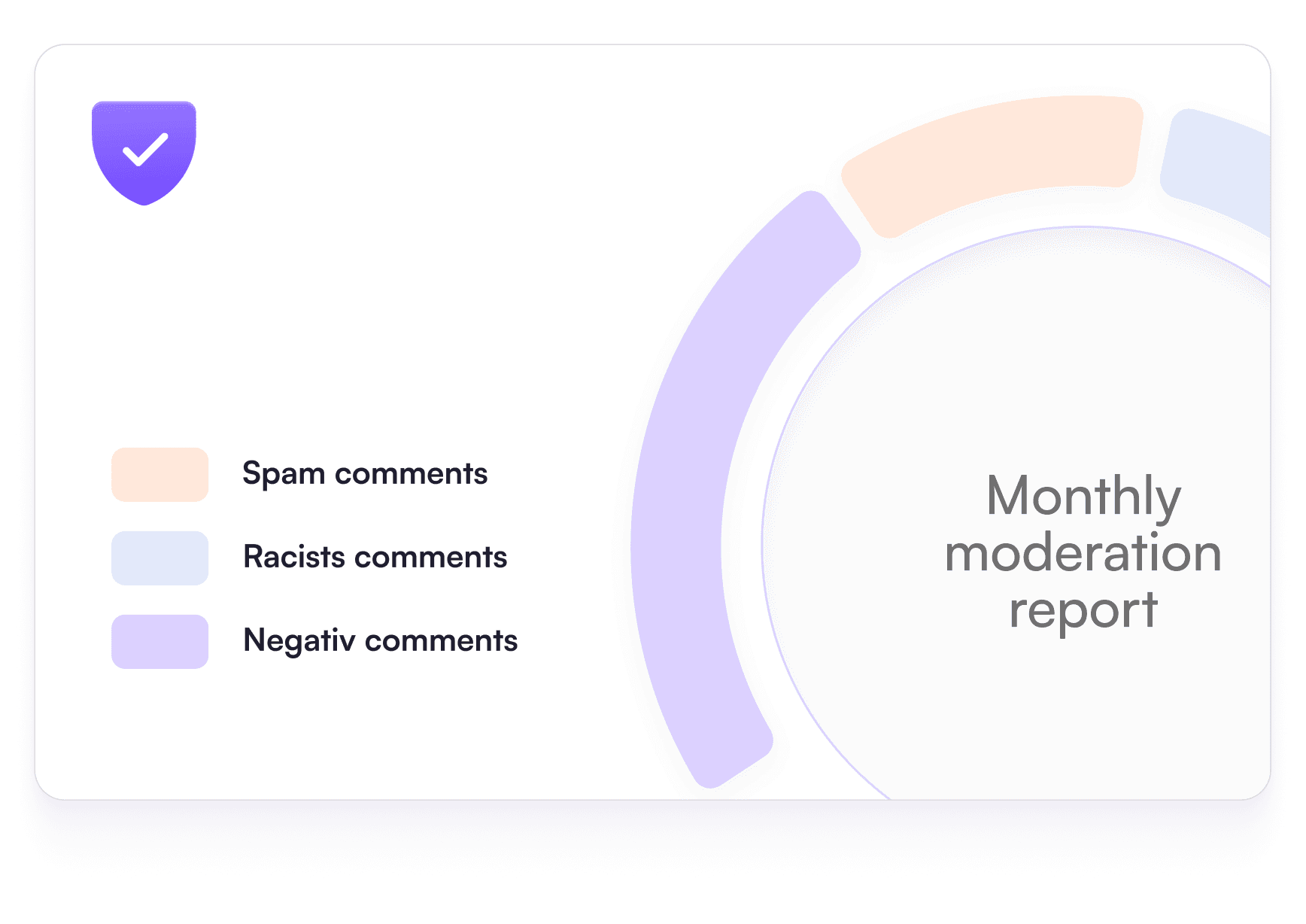
A monthly report
How many comments were hidden, under which posts, and why.
Click ··· next to the comment.
Choose “Hide comment” or “Delete”.
A hidden comment can be shown again later.
Click ··· at the top of the post.
Open “Who can comment on your post?”.
Pick a narrower audience, or only the people you mention.
Meta offers automatic rules for your Page.
Hide comments with links, without a profile picture or with chosen words.
Blabla goes further, with AI rules and ad comments.
| Hide | Delete | Limit who can comment | |
|---|---|---|---|
| Who still sees it | The author and their friends | Nobody | New comments only from the audience you chose |
| Can you undo it? | Unhide at any time | No | Change the setting back |
| Does the author notice? | Usually not | They can see it’s gone | They see they can’t comment |
| Best for | Spam, scams, insults, trolls | Threats, personal data, illegal content | A post drawing a pile-on |
| Automatic with Blabla | Yes | Yes | No, it’s a Facebook setting |
Facebook comments: your questions
How do I delete a comment on my Facebook Page?
Click ··· next to the comment and choose “Delete”. It disappears for everyone and can’t be restored. If you only want it out of sight, choose “Hide comment” instead.
What’s the difference between hiding and deleting a Facebook comment?
A hidden comment stays visible to its author and their friends, so they usually don’t notice, and you can unhide it. A deleted comment is gone for everyone, and the author may notice.
Can I turn off comments on a Facebook post?
On a public post, you can limit who comments with “Who can comment on your post?” in the post’s ··· menu. On Pages, the options depend on the Page type. Comments on most ads can’t be switched off, only hidden.
What is Facebook Moderation Assist?
A set of rules in Meta Business Suite that hides some comments automatically, for example those with links, from accounts with no profile picture or containing chosen words. It relies on keywords and simple criteria, not on meaning.
Can Blabla delete or hide Facebook comments automatically?
Yes. Blabla hides or deletes comments that match your keyword or AI rules, on posts and, with the Pro plan, on ads and dark posts. Moderation is included in every plan, starting with the free one (100 actions a month).