Scams and crypto
Investment lures and fake support accounts · 10 words
Spam and fake collabs
Accounts selling promotion or followers · 10 words
Fake giveaways
Impersonators telling people they won · 8 words
Insults
Start mild, add the words your audience actually sees · 8 words
Links and contact lures
Moves the conversation off your page · 8 words
| Network | Where to paste your list |
|---|---|
| Settings and activity › Hidden words › Manage custom words | |
| Facebook Page | Page settings › Privacy › Public posts (hidden words, profanity filter), or Moderation Assist in Meta Business Suite |
| TikTok | Settings and privacy › Privacy › Comments › Filter keywords |
| YouTube | YouTube Studio › Settings › Community › Blocked words |
| Blabla | One list for all your networks, with disguised spellings caught and ad comments included (Pro) |
Spam follows patterns
Crypto offers, fake collabs, “you won” messages: the same words show up on every account.
It’s free
Instagram, Facebook, TikTok and YouTube all let you paste a list of words to hide.

It runs without you
Once saved, the list works day and night, even under your old posts.

Founder @Coben Dubai

Hide, don’t delete
Blabla hides matching comments and keeps them in a list, so a real customer caught by mistake comes back in one click.
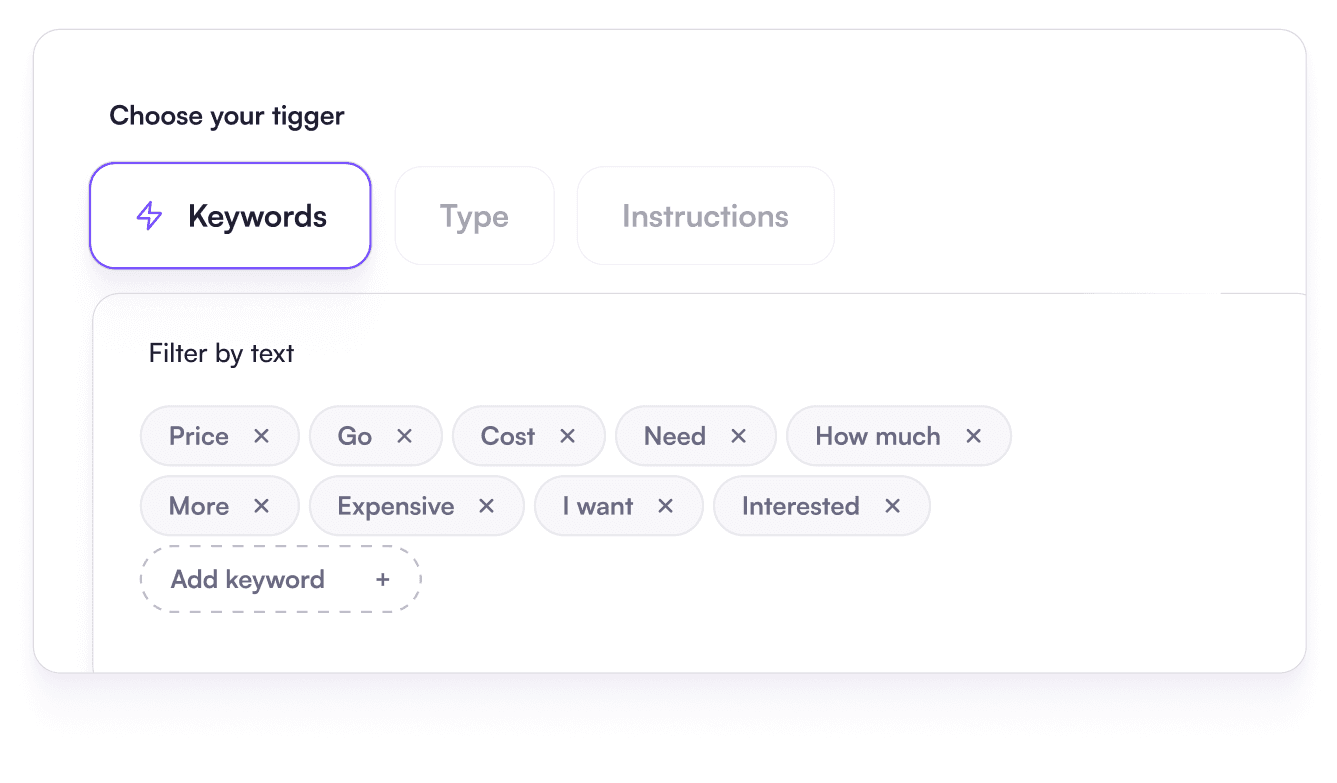
AI rules for the rest
Comments with no banned word, like a vague invite to “check my page”, are caught by rules written as a sentence.
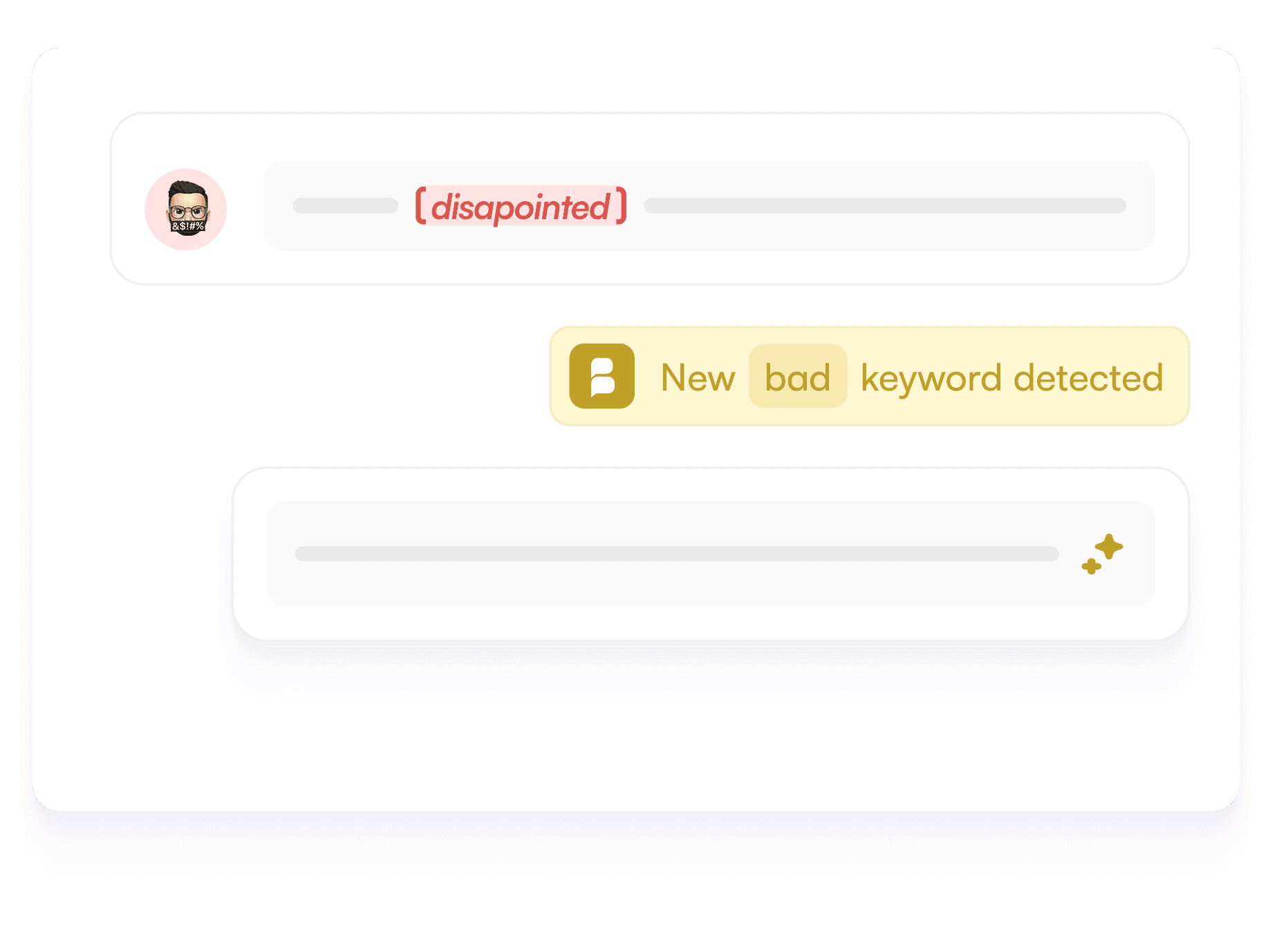
Disguised spellings caught
Spaces, dots, numbers and lookalike letters are cleaned up before the check.
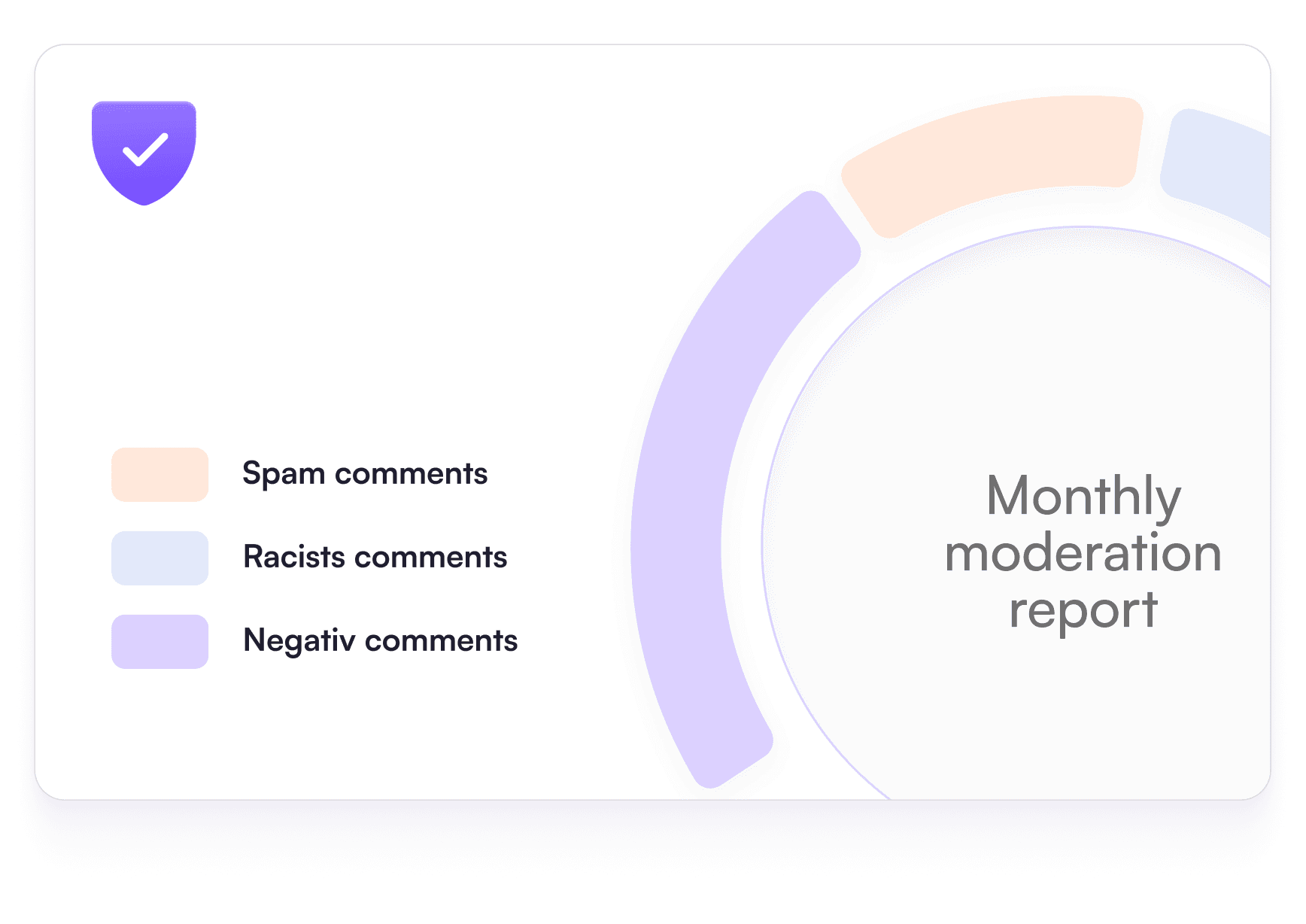
One list, every network
Instagram, Facebook, TikTok and YouTube follow the same rules, ads included on the Pro plan.
Spammers write “fr33”, “f.r.e.e” or “f r e e”.
Add the most common variants of your key words.
Or let Blabla clean up spellings before checking.
Instagram: Settings and activity › Hidden words.
Open “Manage custom words” and paste your list.
Save, then look at the hidden comments after a few days.
Write in one sentence what should disappear.
Blabla applies it to comments, with or without a banned word.
Read what was hidden and adjust.
Hidden words: your questions
What words should I hide on Instagram?
Start with scam and crypto terms, fake giveaway phrases (“you won”, “claim your prize”), spam offers (“free followers”, “check my bio”), insults and link shorteners like bit.ly or t.me. Then add the words your own audience sees most.
Where do I add hidden words on Instagram?
Go to Settings and activity, then Hidden words, and open “Manage custom words”. Paste your words separated by commas and save. Instagram then hides comments that contain them.
Do hidden words work on Facebook too?
Yes. A Facebook Page can hide comments that contain chosen words, in its settings or through Moderation Assist in Meta Business Suite. The list applies to the Page’s posts.
Why do some spam comments get past my list?
Because filters match exact words. “Fr33 f0llowers” or a word split with spaces won’t match “free followers”. Add the variants, or use Blabla, which cleans spellings before checking and adds AI rules.
Is there a free tool to build and test my list?
Yes: Blabla’s free comment blocklist generator helps you build a list and test it on sample comments.